Subscribe to our newsletter and stay informed about our latest blog posts, upcoming webinars, and news:
Version 6.1 of the BI Smart Repository has just been released to production, bringing a host of new features.
Data Search
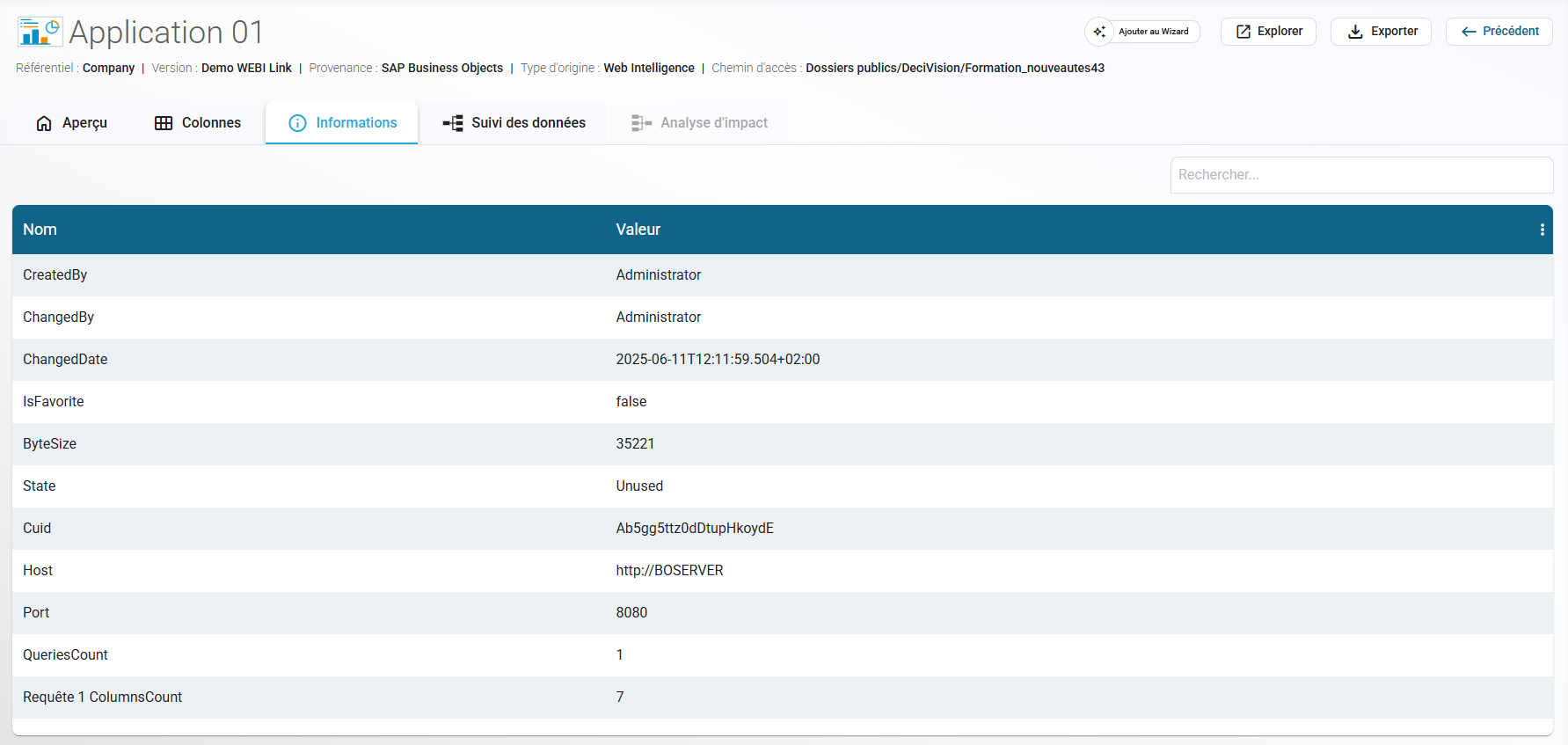
Object Details – Addition of a New "Information" Tab
This new tab allows you to view additional metadata related to your objects.
For now, only WEBI reports benefit from this tab, but new data will soon be exported for the BW / SAP Datasphere and SAC connectors.
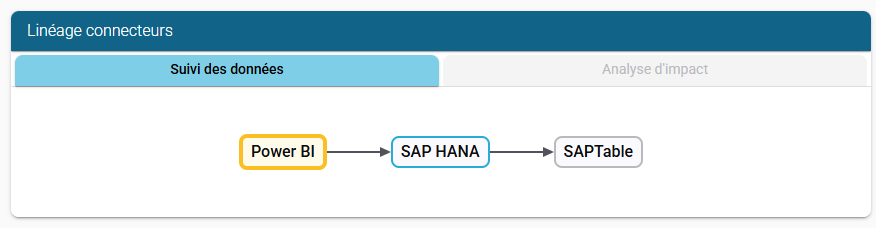
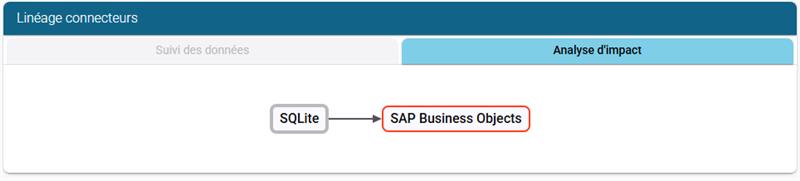
Object Details – Preview Tab – Addition of Lineage / Impact Analysis by Connector
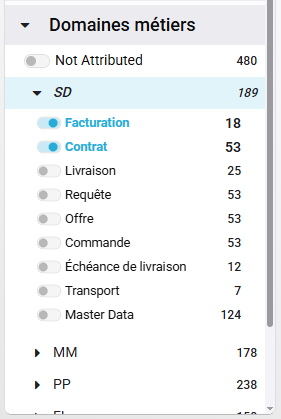
Dynamic Filters – Business Domains – Addition of Categories
You now have the ability to filter your objects by categories (sub-families of Business Domains).
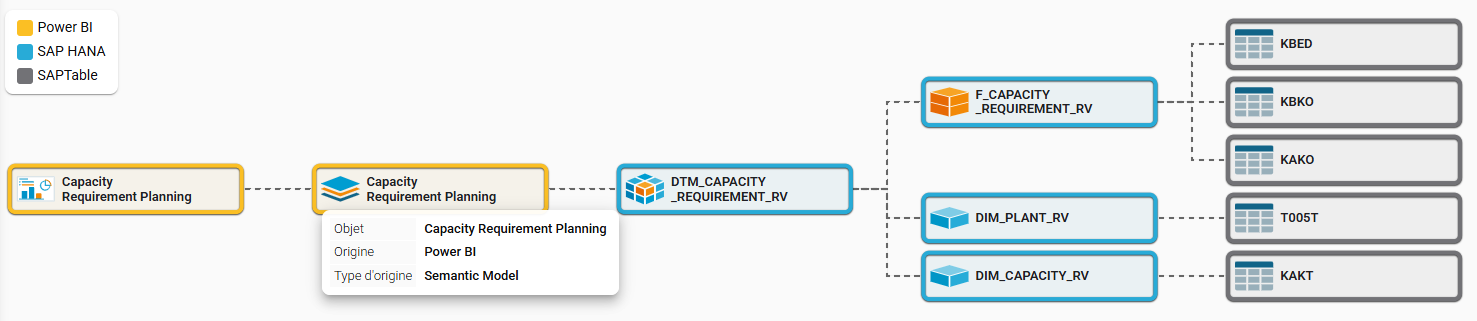
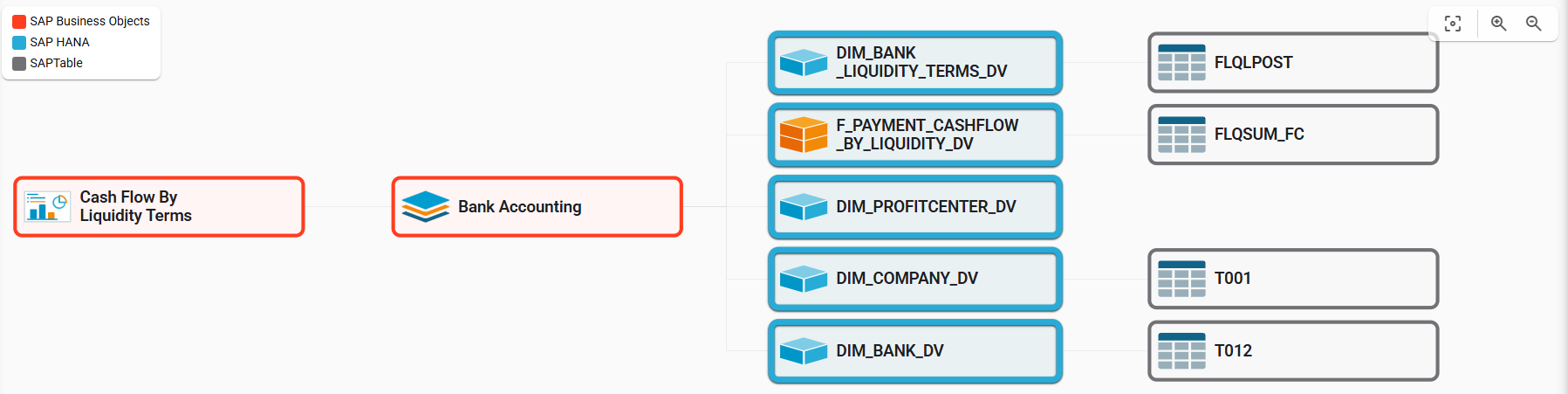
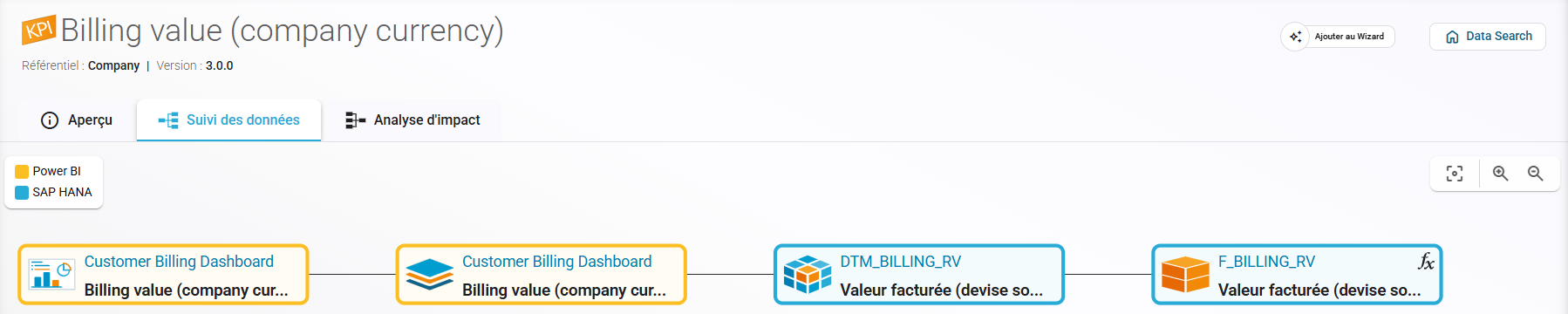
Data Lineage / Impact Analysis
Visual redesign of the tooltip on a lineage element
When hovering over the legend, corresponding elements are now highlighted.
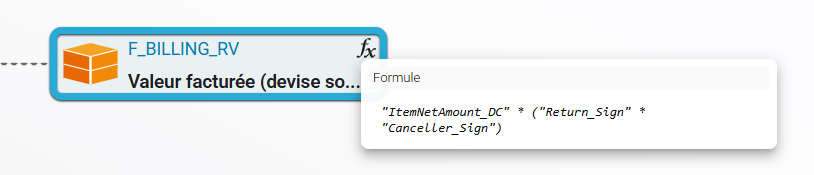
Column Lineage – Changed display of formulas or filters in the lineage
The formula and/or filter is now visible on hover in the Lineage screen.
Analytics Wizard
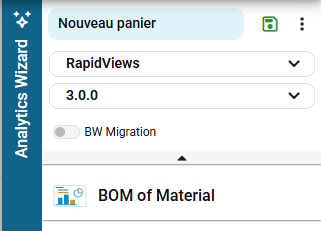
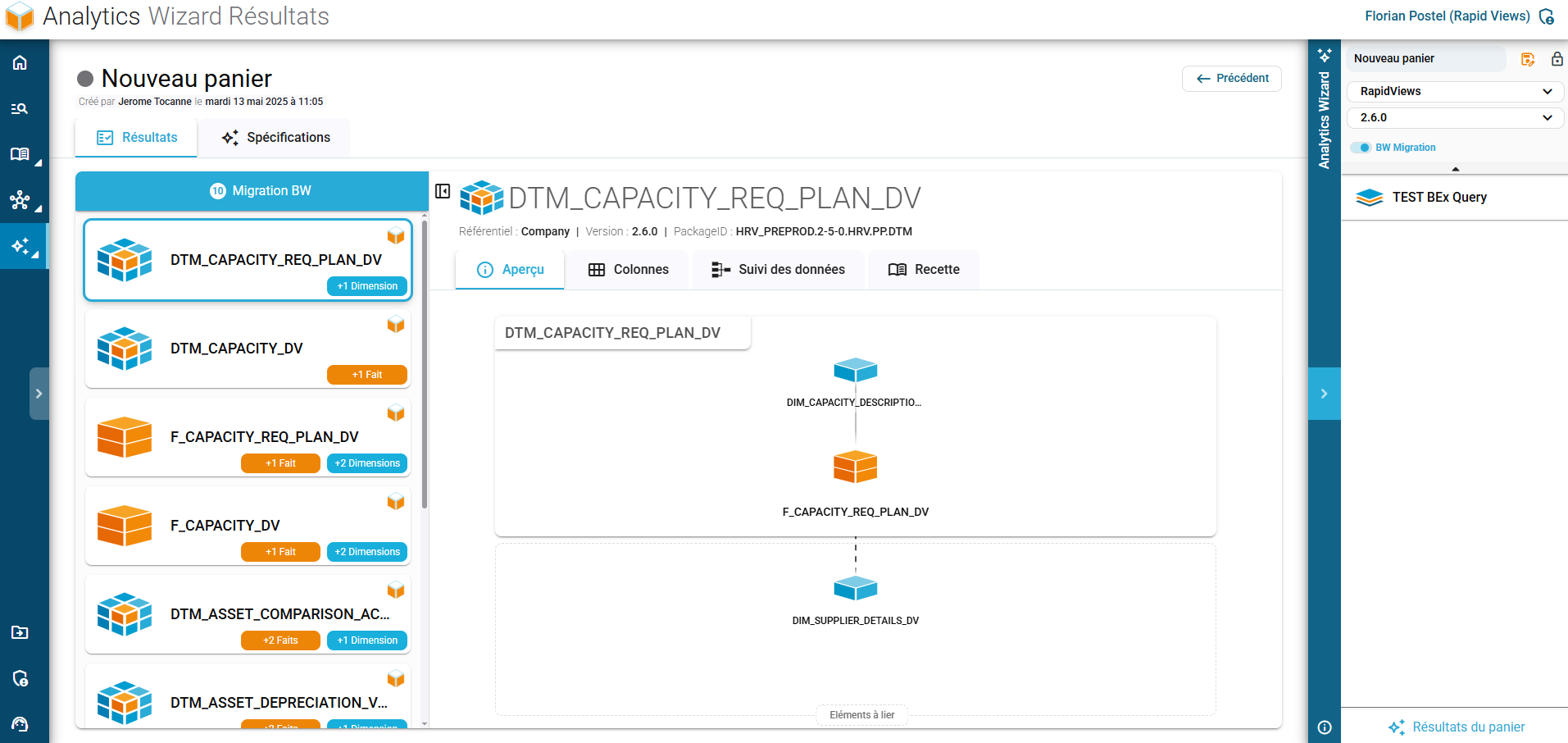
New "BW Migration" Mode
This mode allows the use of a dedicated algorithm to migrate BW objects to another environment (CDS Views, Datasphere).
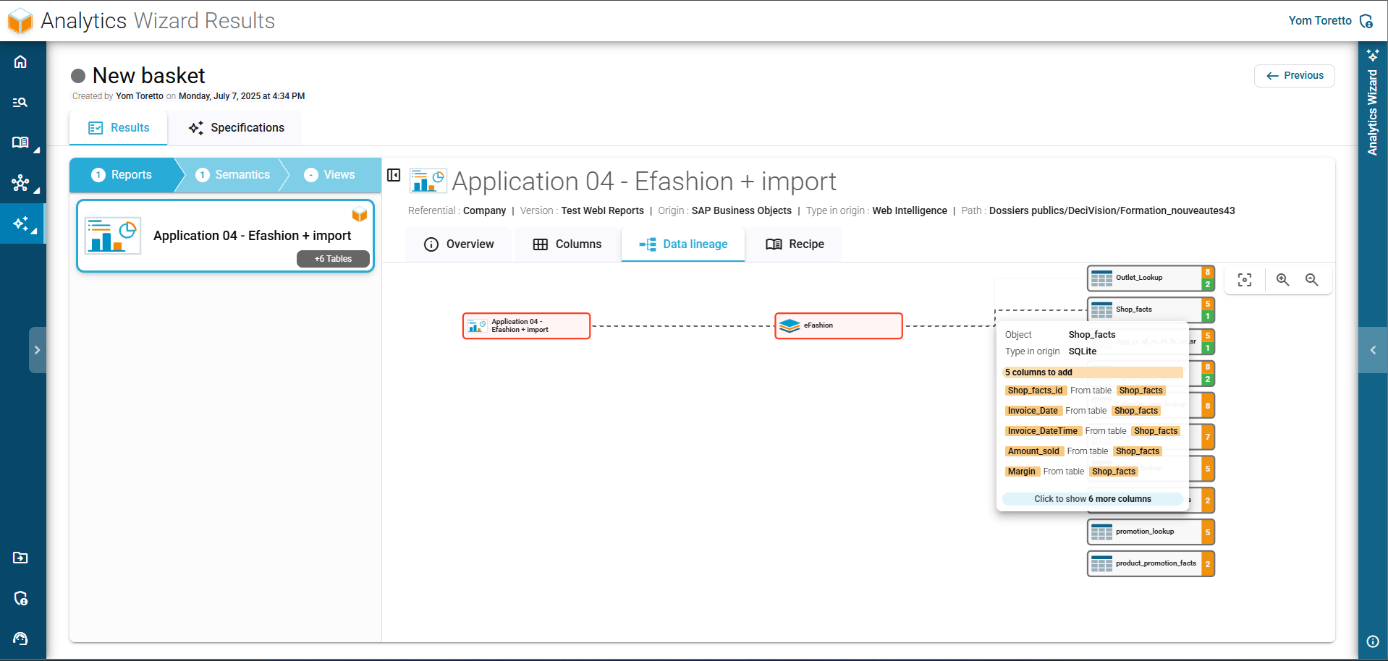
Lineage Improvements
Improved readability by aggregating columns by default (they can still be displayed by clicking on the relevant table).
Added additional data in tooltips of lineage elements.
Custom Integrator
BW Connector – General Improveme
Better import of already managed objects, specifically BEx Queries.
Addition and display of routines on BEx-type objects.
Added specific permission to import BW objects.
WEBI Connector (Reports) – New Metadata:
Automatic generation of report open links.
Addition of Variable-type columns.
Improved handling of formulas in KPIs.
Added filters on columns.
Integration of new metadata in the “Information” tab: CreatedBy, ChangedBy, ChangedDate, IsFavorite, ByteSize, CUID, Number of queries, Number of columns per query, etc.
Power BI Connector – Import of PBIX files (in addition to PBIT files).
SAP Analytics Cloud Connector –
Improved handling of already managed objects and import of data output from the Minority Extractor.
All Connectors – DATASOURCE Objects
Creation of a script to automatically identify, import, and link SAP source tables from extractors (Datasphere, BW, SAP BODS, etc.).
Minority Extractor
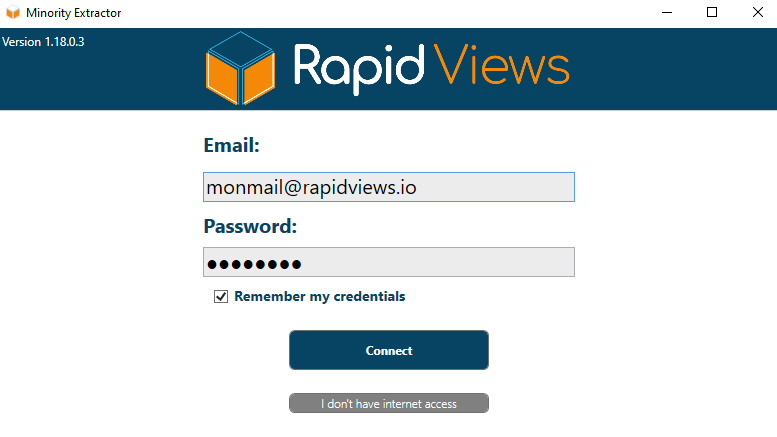
Authentication added to the tool
For greater application security, users are now required to authenticate using their BI Smart Repository credentials.
For clients using a non-connected version of the application, please contact us to unlock access.