
The RapidViews logo is a symbol of modernity and efficiency. It reflects innovation and simplicity, representing RapidViews' mission to provide intuitive and high-performance visual solutions.

Accelerate your specifications creation

The Analytics Wizard is a smart assistant that gives you various options to build your reports based on your BI environment. In a few clicks, find the different alternatives to create your new Analytics and choose the option that seems most relevant to you.
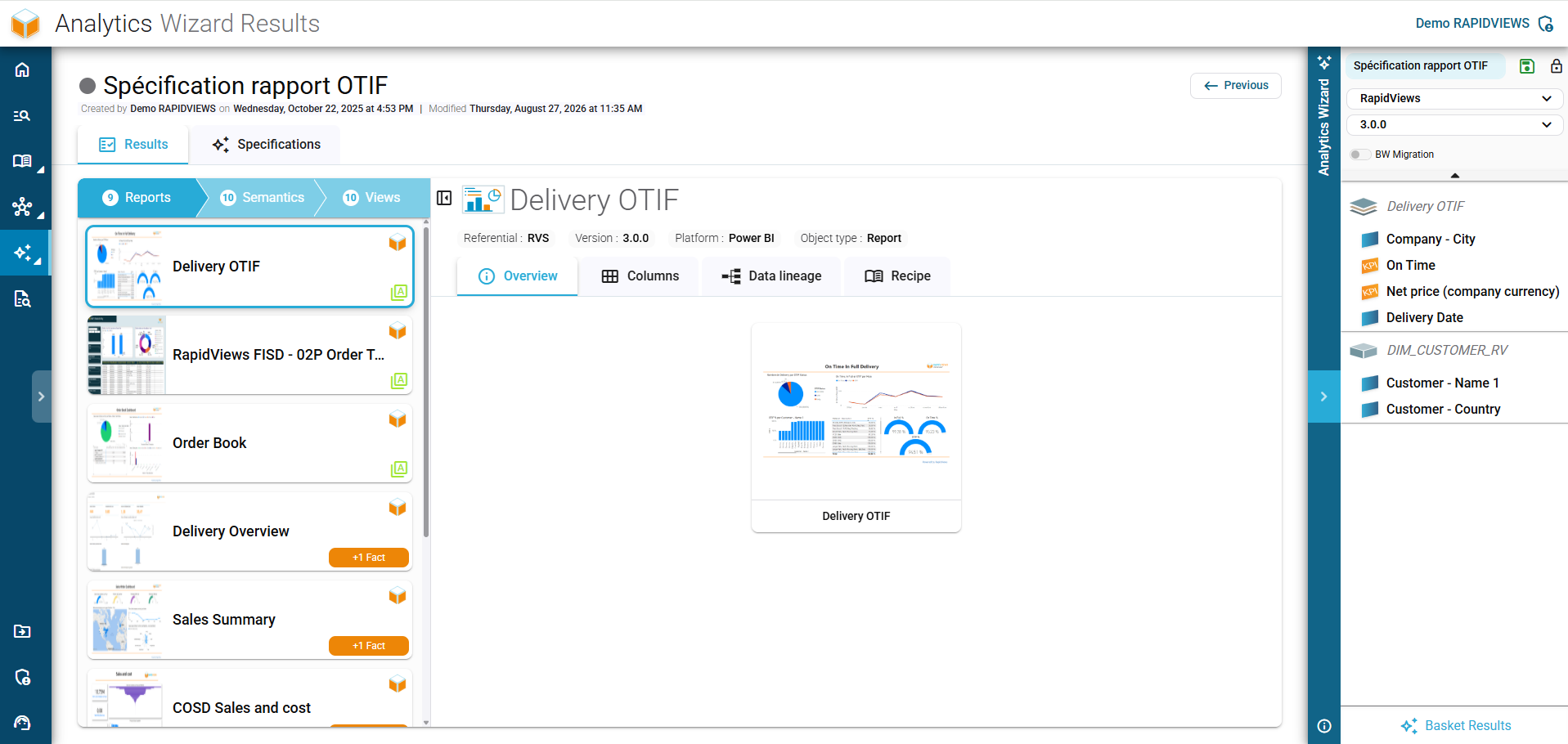
RapidViews Analytics Wizard interface for grouping and structuring a basket of BI report specifications.

Save time in your design workshops

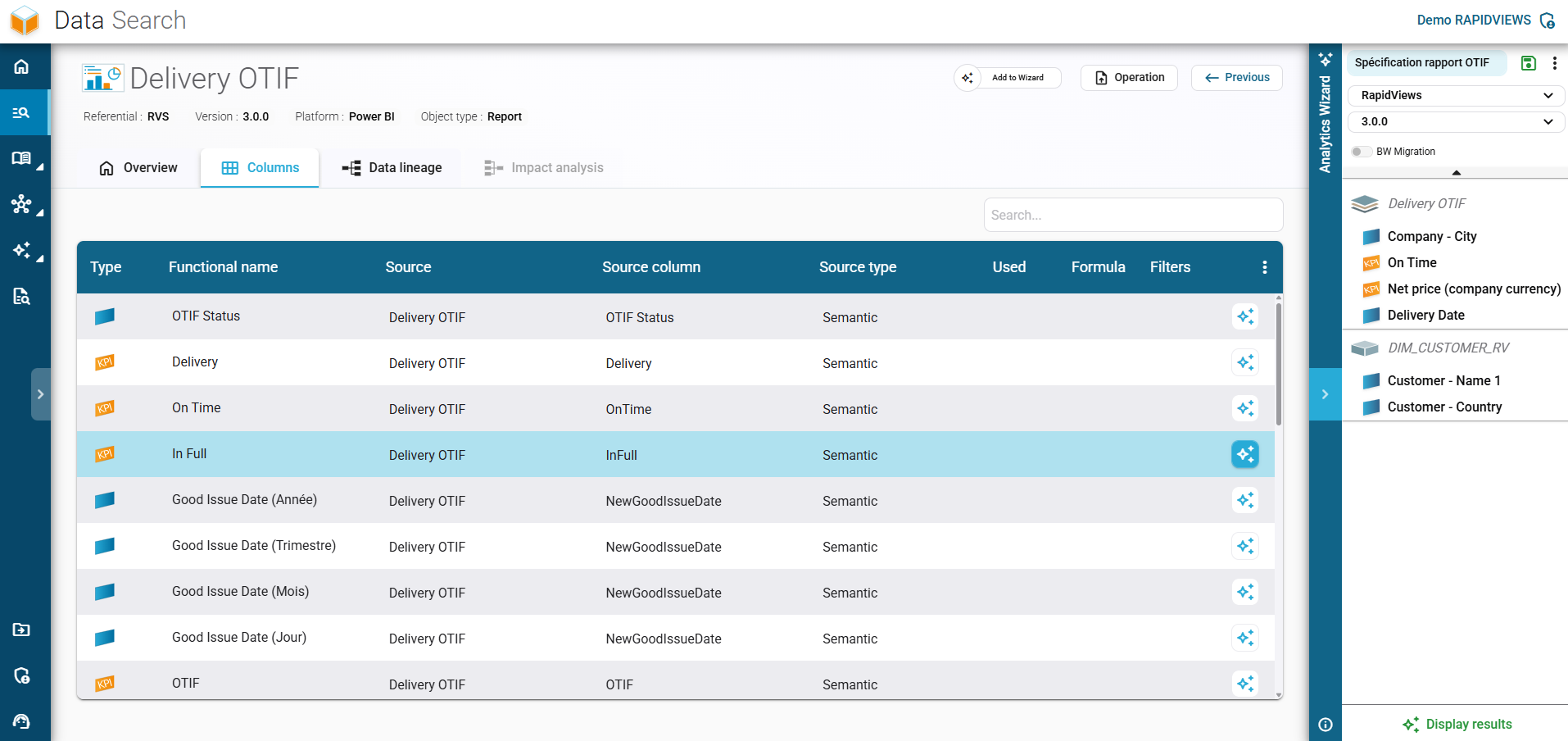
Selection step in the RapidViews Analytics Wizard: exploring the columns, dimensions, and KPIs of a specific report.

Select the desired Analytics objects

Once your BI repository is centralized, quickly select the desired BI objects to meet your new requirement.
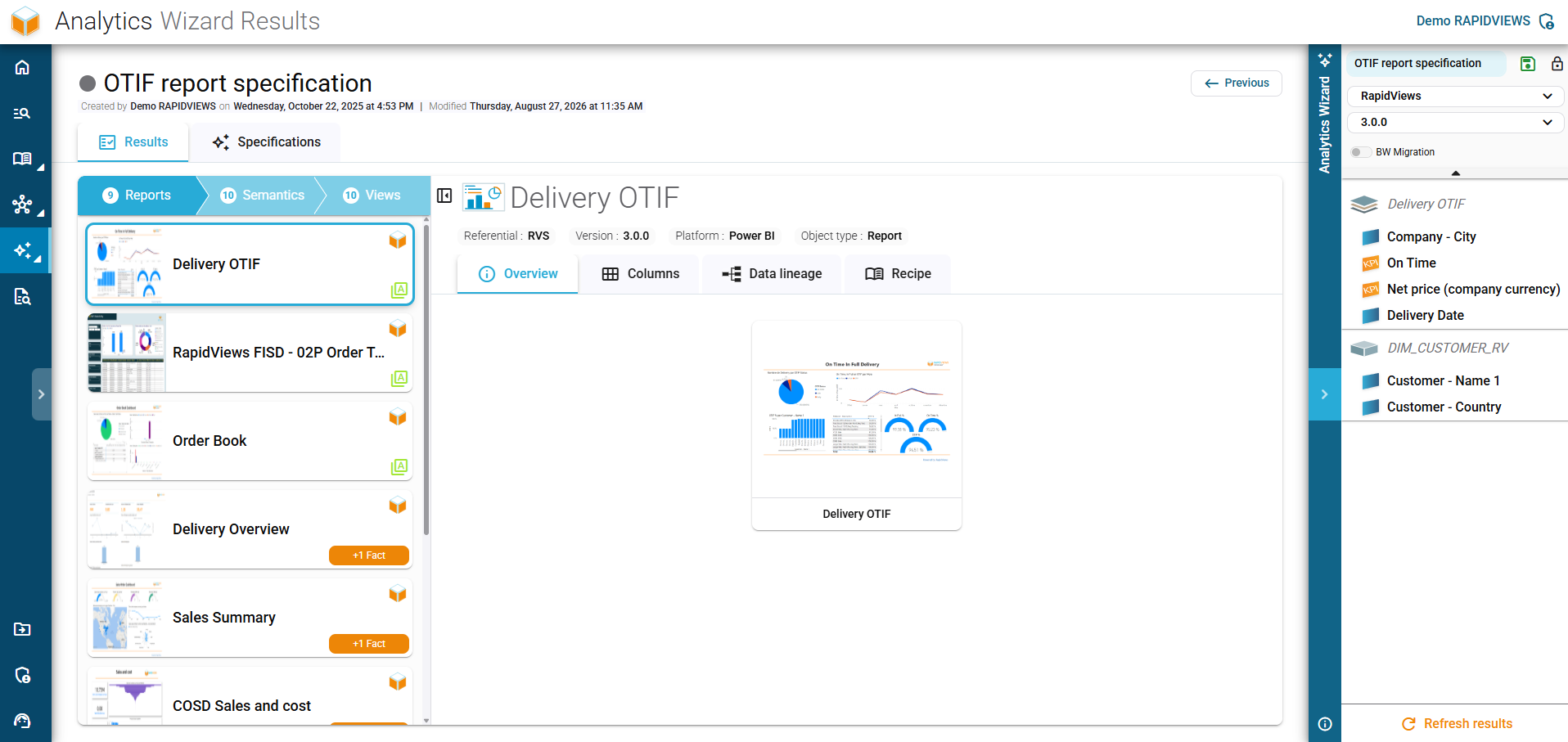
Overview of the Delivery OTIF report in the Analytics Wizard, displaying its visual preview and key metadata.

Report, semantic layer, view: choose where to start

The Analytics Wizard outlines different possibilities to meet your needs without starting from scratch: you have the flexibility to start from a report, a semantic layer, or a view.
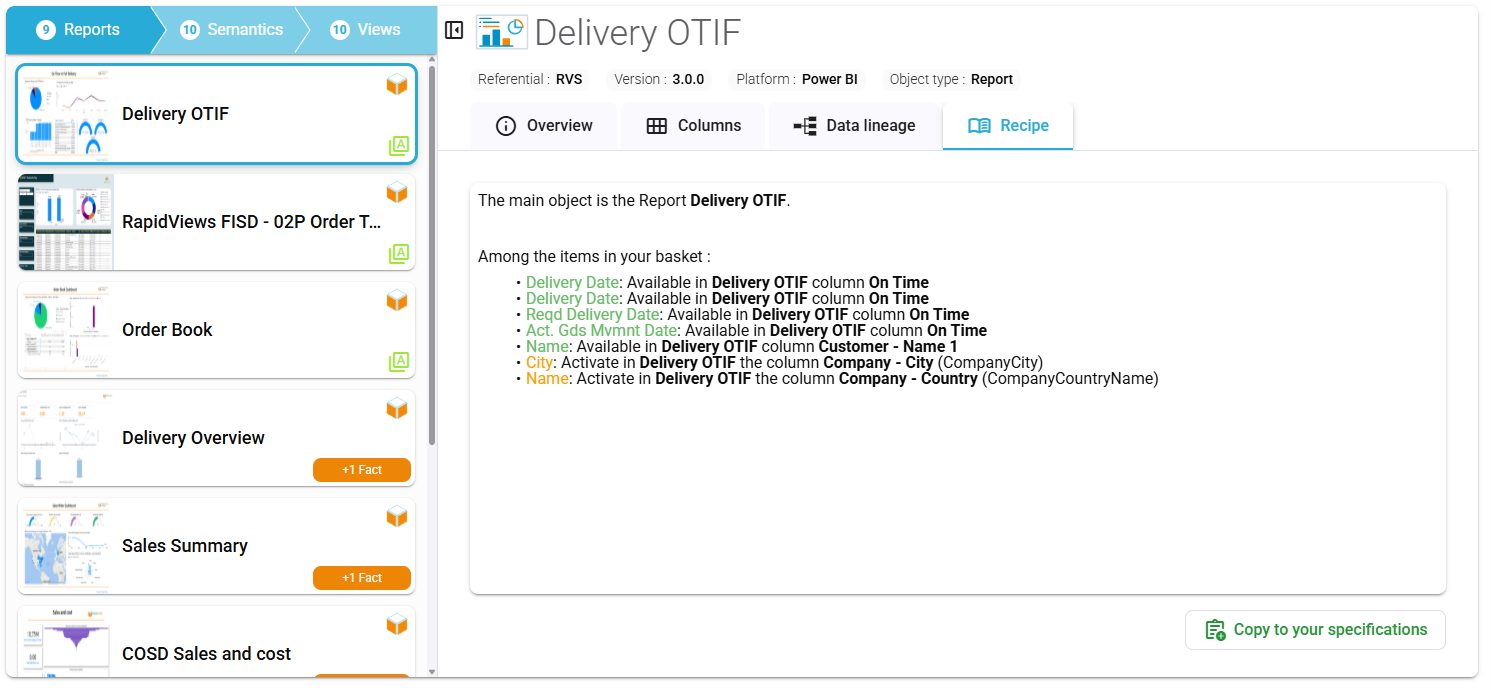
Generation of detailed report specifications with the Analytics Wizard, clearly listing the required columns and dimensions.

Get a clear specification in minutes

Analytics Wizard automatically generates a detailed specification to align IT and business teams and secure the project's development.

Developments acceleration

Accelerate the development of your new strategic reports

Understanding between IT & business

Facilitate the discussion between IT & functional thanks to the Analytics Wizard.

Needs centralization

Your users can centralize all their needs and requests via the Analytics Wizard interface.

Innovation and modernization

Work in a more innovative, modern, agile and faster way to achieve all your new BI needs.

This site is registered on wpml.org as a development site. Switch to a production site key to remove this banner.