
The RapidViews logo is a symbol of modernity and efficiency. It reflects innovation and simplicity, representing RapidViews' mission to provide intuitive and high-performance visual solutions.

Data Search​

The Data Search feature is mainly aimed at saving time for BI developers & BI Managers. You will find the Analytics content you are looking for in just a few moments.
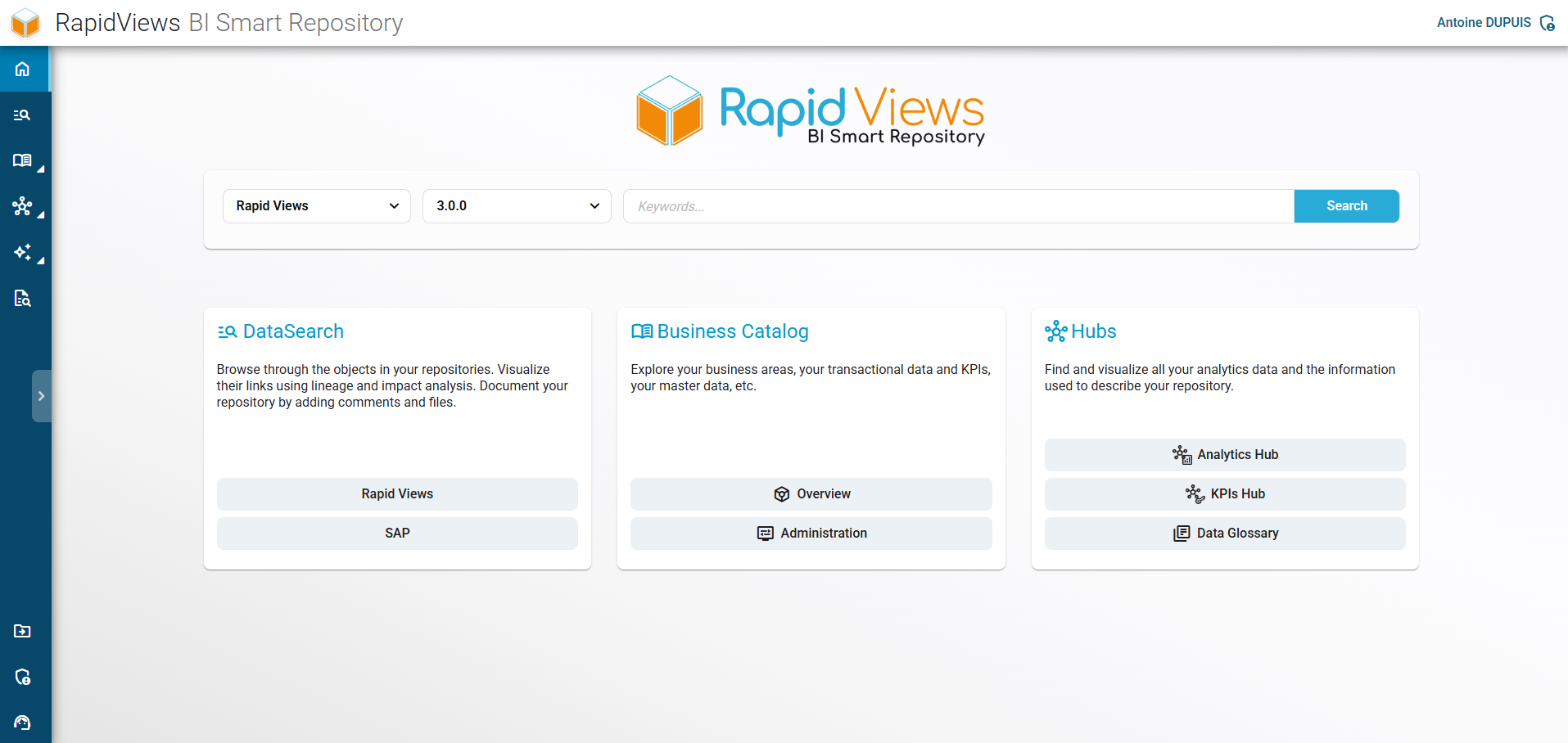
Homepage of the RapidViews BI Smart Repository providing access to global search, the business catalog, and analytics hubs.

Easily accessible analytics

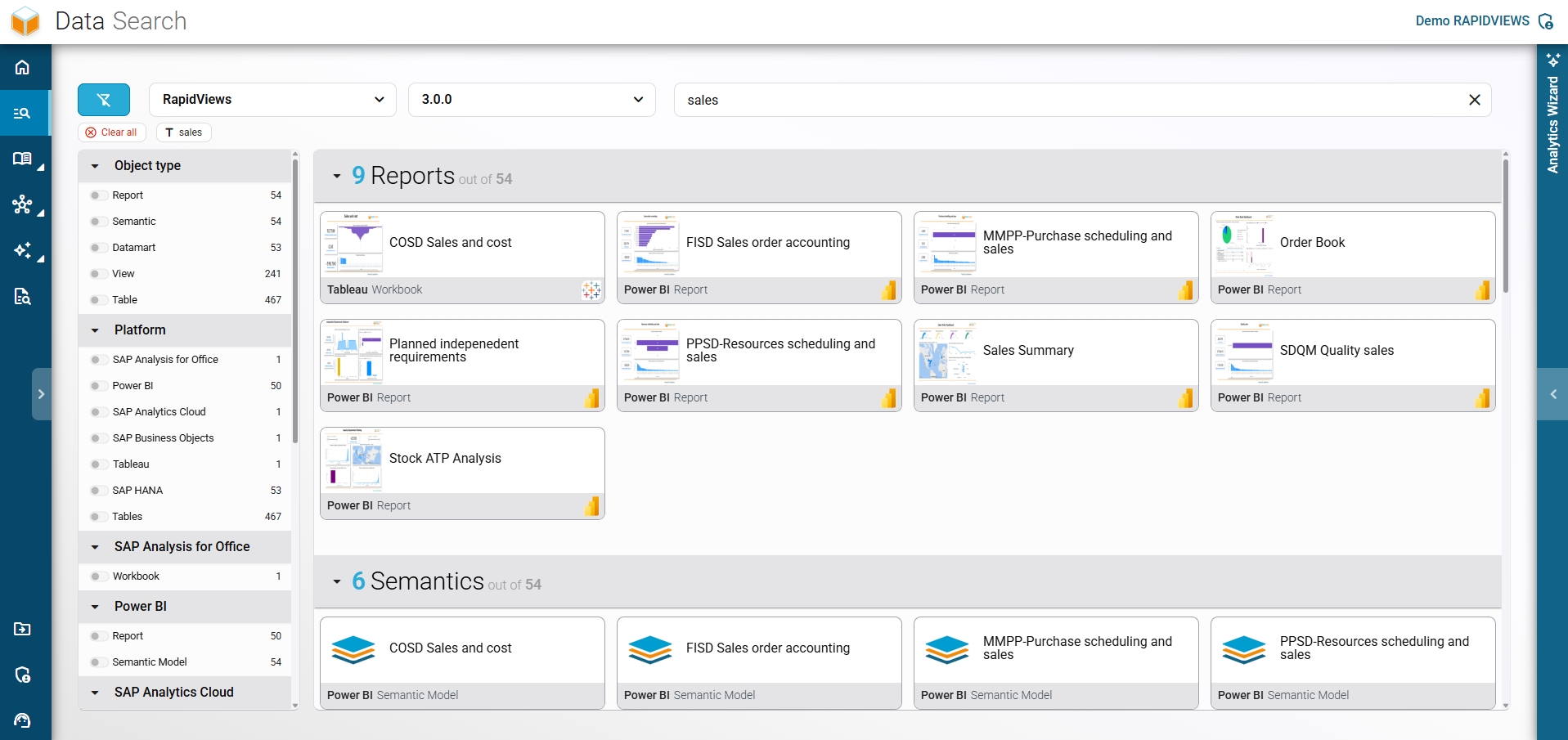
Advanced Data Search interface in RapidViews combining a keyword query with lateral filters for object type and platform.

Search and find in an instant

Navigate through your entire BI ecosystem using filters and the search bar: reports, data models, views, tables.
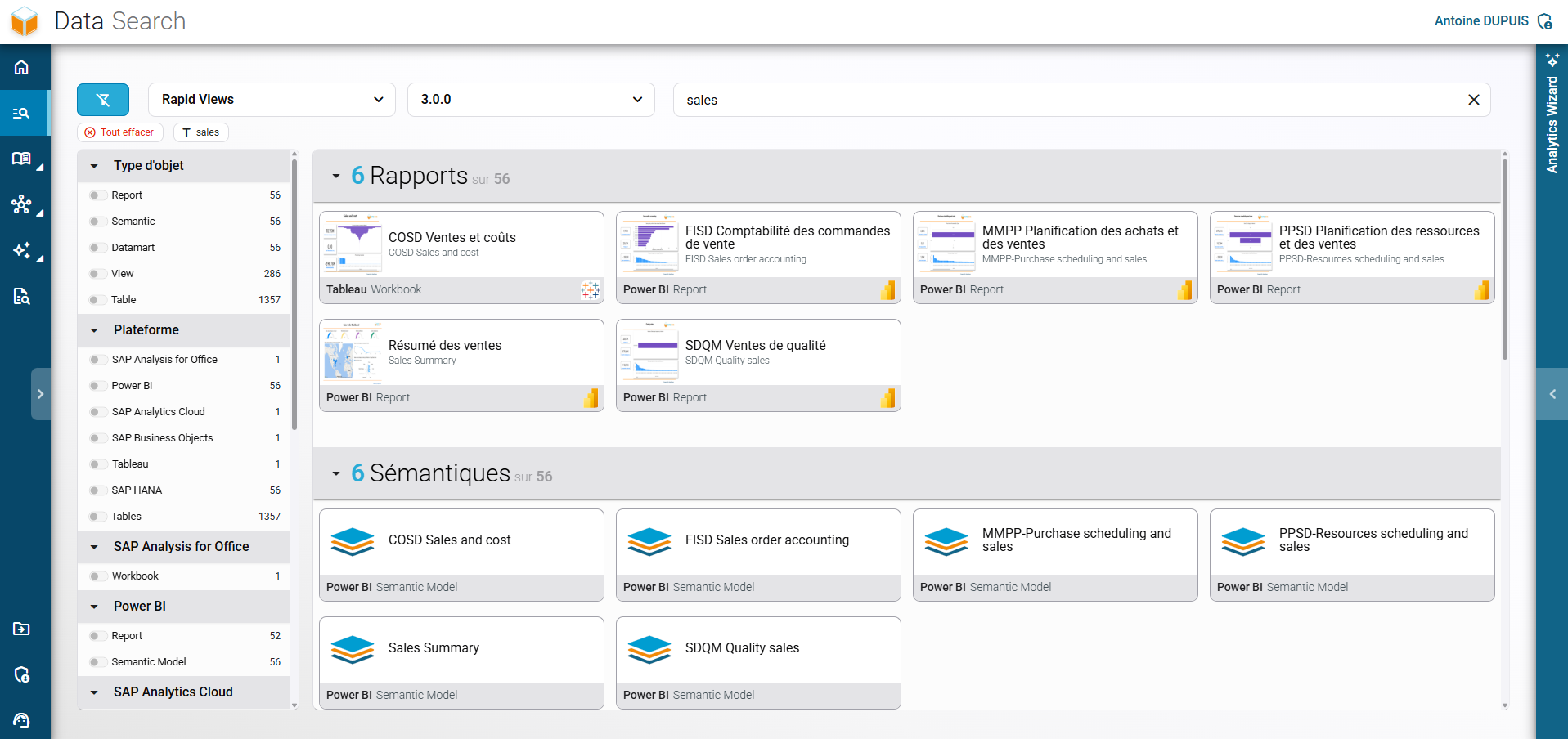
Keyword search results in RapidViews, sorting relevant reports and semantic models based on selected filters.

Browse and refine your selection

The intuitive interface allows you to search by keyword and easily filter results to quickly target the desired elements.
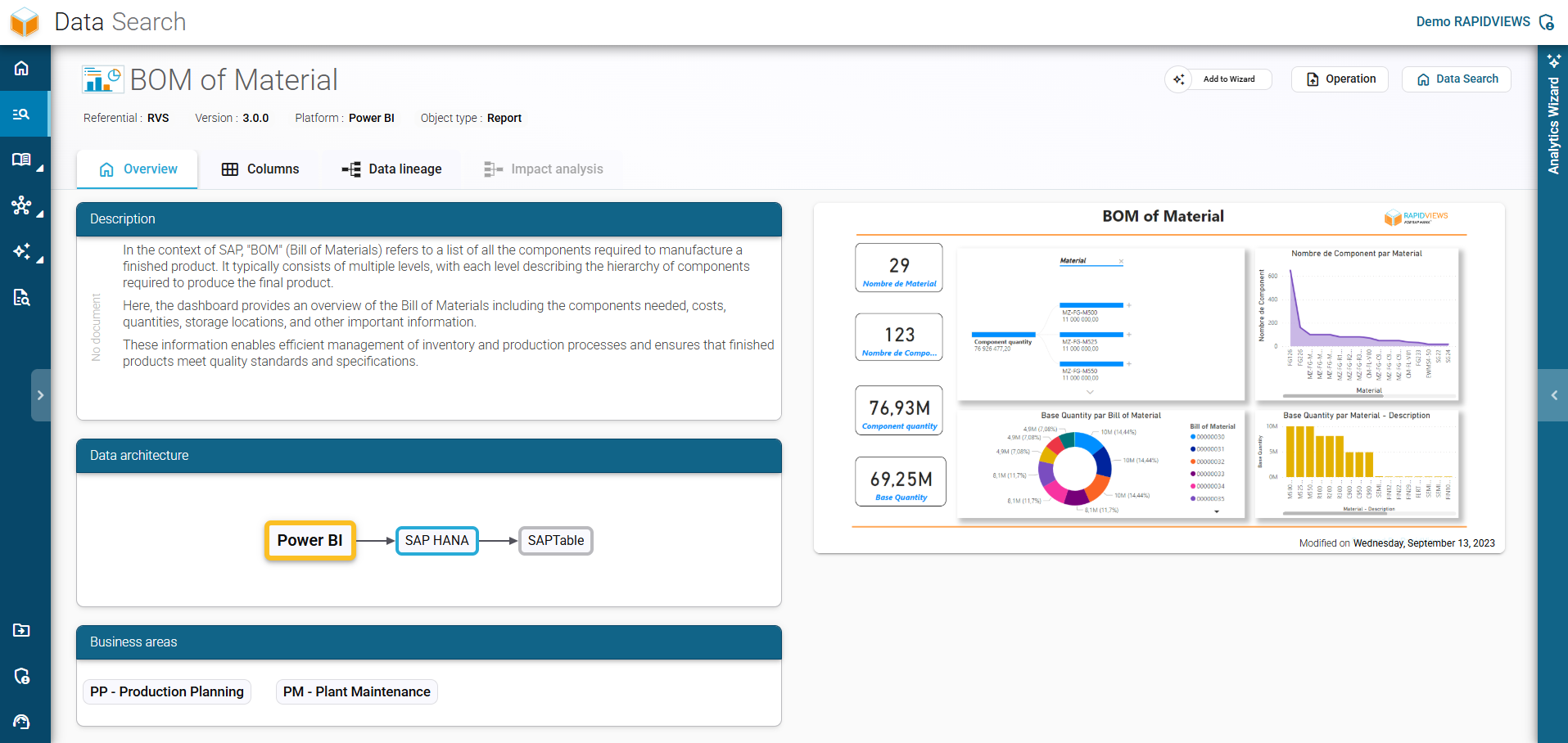
Detailed view of a Bill of Materials (BOM) report in RapidViews, presenting its complete description and data architecture.

Dive into the analytical details

The detailed view offers total transparency on the content, metadata, and dependencies of each object to secure your analyses.

Efficiency

Find all the information you need quickly and easily, thanks to our powerful search engine.

Classification

Easily analyze and discover all relevant results, classified by category for optimized navigation.

Accessibility

With just one click, you can directly access the full details of the report or object you are looking for, for in-depth exploration.

Collaboration

With quick and centralized access to Analytics objects, develop better collaboration between IT and business teams.

This site is registered on wpml.org as a development site. Switch to a production site key to remove this banner.